


Philippines eSIM PLUS | Unlimited Data | Globe/SMART | 1-30 Days
Philippines eSIM PLUS | Unlimited Data | Globe/SMART | 1-30 Days
?? Product Description
?? Product Description
🔥 UPGRADED: Truly Unlimited – No Throttle
All plans now upgraded to Unlimited high-speed data via Globe / SMART Dual-Carrier
✨ Why Choose VOYA eSIM?
-
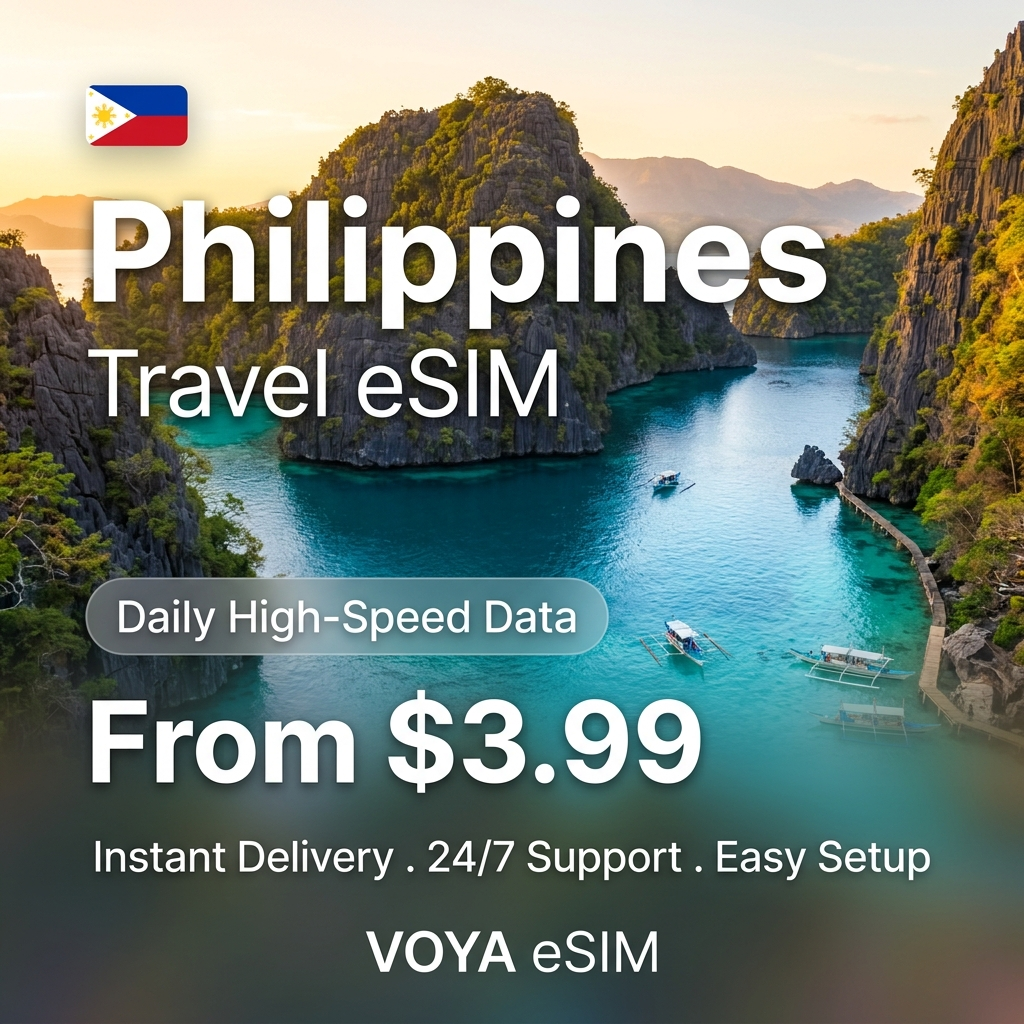
🚀 Instant Delivery
Receive QR Code within 5 minutes after payment, no physical card waiting -
📲 Scan & Use
Just scan the QR Code, no APN configuration needed -
💬 24/7 Customer Service
Live chat support via WhatsApp & Instagram @voya.sim anytime -
🔥 Hotspot Sharing
Share data with travel companions
📲 3 Easy Steps
-
Step 1: Purchase
QR Code emailed within 5 minutes -
Step 2: Install before travel
Scan QR Code at home with WiFi (don't activate yet) -
Step 3: Activate on arrival
Turn on data roaming for this eSIM
🏆 Why eSIM Beats Traditional Options
| Feature | VOYA eSIM | Traditional SIM | WiFi Pocket |
|---|---|---|---|
| Delivery | 5 minutes | Wait for shipping | Airport pickup |
| Convenience | No card swap | Need to swap | Extra device |
| Original number | Keep calls/SMS | Disabled | Disabled |
💎 PLUS Plan Features
- Truly Unlimited, No Throttle — Full-speed throughout, regardless of usage
- No GB Cap — Stream, video call, work freely
- Native Network — Local carrier native, not roaming, stable signal
📝 Specifications
- Carrier: Globe / SMART Dual-Carrier
- Network: 4G / LTE / 5G auto-switch
- APN: Auto-configured
- QR Validity: 60 days unused
- Day Count: Starts when device connects to local network (24H clock)
- Hotspot: Single device only
- Voice/SMS: Data only
- Coverage: All Philippines including Boracay; remote areas may have weaker signal
- Activation: Auto-activates on arrival when eSIM line is enabled
- Dual SIM: Set this eSIM as default data line and enable data roaming
⚠️ Plan Update
All variants now upgraded to Unlimited – No Throttle.
Variants labeled 1GB / 2GB / 5GB are legacy specs; actual delivery is Unlimited (free upgrade).
🙋 FAQ
Q1: When should I install the eSIM?
A: Install at home with WiFi before travel; activate after arriving at destination.
Q2: Can I reuse the QR Code?
A: No, one-time use bound to your device on first scan. Do not delete the eSIM profile from your phone.
Q3: How to check eSIM compatibility?
A: Dial *#06# — if "EID" appears, your phone supports eSIM.
?? Specifications
?? Specifications
- Network Speed: 4G/LTE/5G Auto-switching (carrier dependent)
- Hotspot Sharing: Supports single device (not guaranteed for all models)
- Activation Method: Scan QR Code to activate
- Compatible Devices: iPhone XR and above, eSIM-enabled Android phones
- Validity Period: QR Code valid for 90 days
- Usage Calculation: Days counted from roaming activation
? Quick Setup Guide
? Quick Setup Guide
iPhone Setup Steps:
- Go to "Settings" ? "Cellular" ? "Add eSIM"
- Scan the received QR Code
- Name your plan (e.g., Voya)
- Select this plan for cellular data
- Turn on "Data Roaming" after arriving at your destination
Reminder: You can install it before departure, but do NOT enable data roaming to avoid early day calculation.
? Frequently Asked Questions
? Frequently Asked Questions
A: Yes, you can scan and install the QR Code before your trip, but do NOT enable data roaming until you arrive.
A: No, you can switch between plans in settings. Your original number can still receive SMS.
A: Please remove old eSIM plans or reset network settings, then try again.
A: Make sure "Data Roaming" is ON. Wait 3-5 minutes for connection. If still not working, contact customer service via Wi-Fi at WhatsApp.
A: No, daily data plans will throttle speed but remain connected. High-speed resets at midnight.
?? Important Information
?? Important Information
- QR Code is non-refundable after delivery. Please confirm device compatibility
- iPhone XR or above required. Mainland China/Hong Kong/Macau versions may not support eSIM
- QR Code can only be bound to one device and cannot be transferred
- Wi-Fi is recommended at accommodations for better experience
- Signal may be weak in remote areas, islands, or mountains
- Contact customer service immediately if issues occur. Claims after trip completion not accepted
?? Need Help?
WhatsApp Support (24/7)
Email: support@voyaesim.com
Share


Message us on WhatsApp